Step One
Download CoolTerm Software
Download the free CoolTerm
software.
Once downloaded to your computer:
- Install it per your OS requirements.
Step Two
Connect the KST3277-KIT2 Together
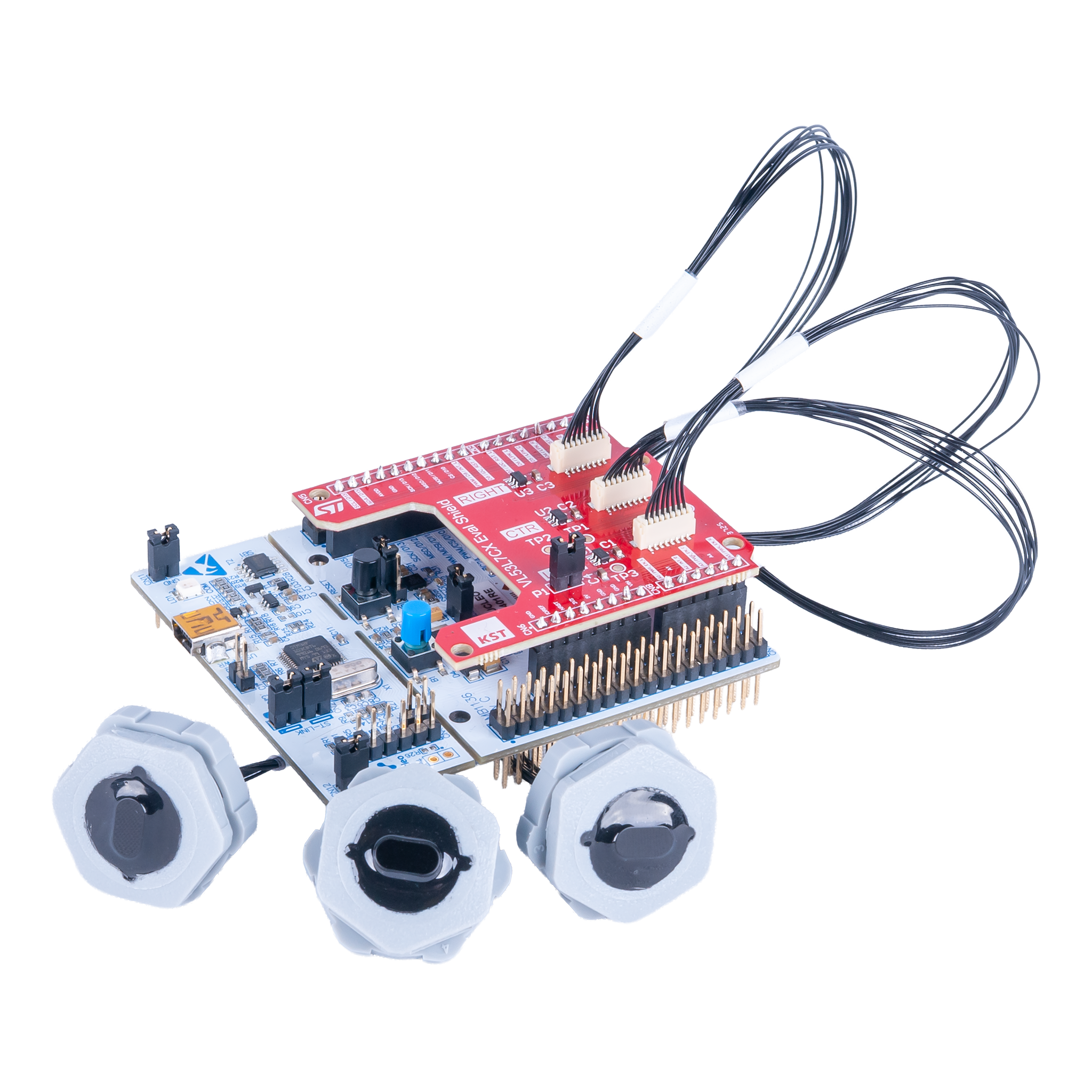
- Connect the KST3281 Shield to the STM32F401 Nucelo-64 Board.
- Connect one KST3277 Distance Sensor Cap to the Left, CTR, and Right connector on the KST3281 Shield.
-
Connect the Mini USB Cable to the STM32F401 Nucelo-64 Board.
- Connect the other end to your computer.
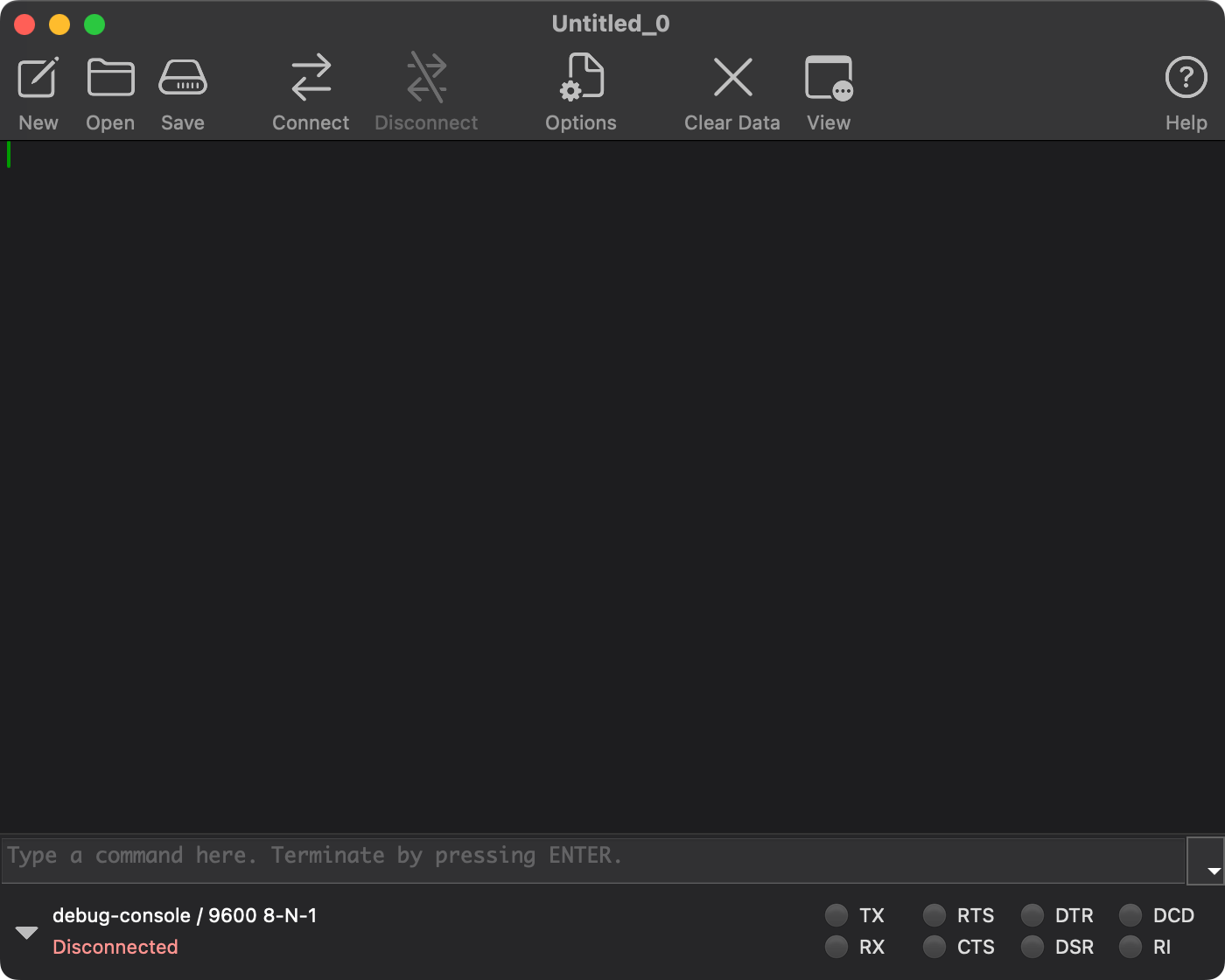
- With CoolTerm Software open:
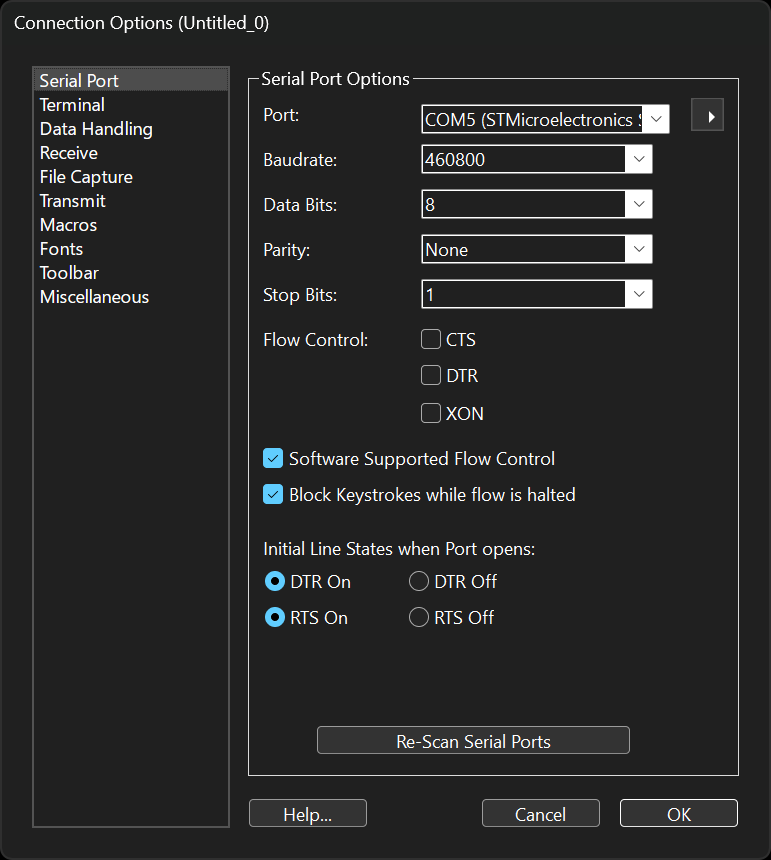
- Click the Options button.
- Set the Port to the STM32F401 Nucelo-64 Board COM Port.
- Set the Baudrate to 460800.
- Set the Data Bits to 8.
- Set the Parity to None.
- Set the Stop Bits to 1.
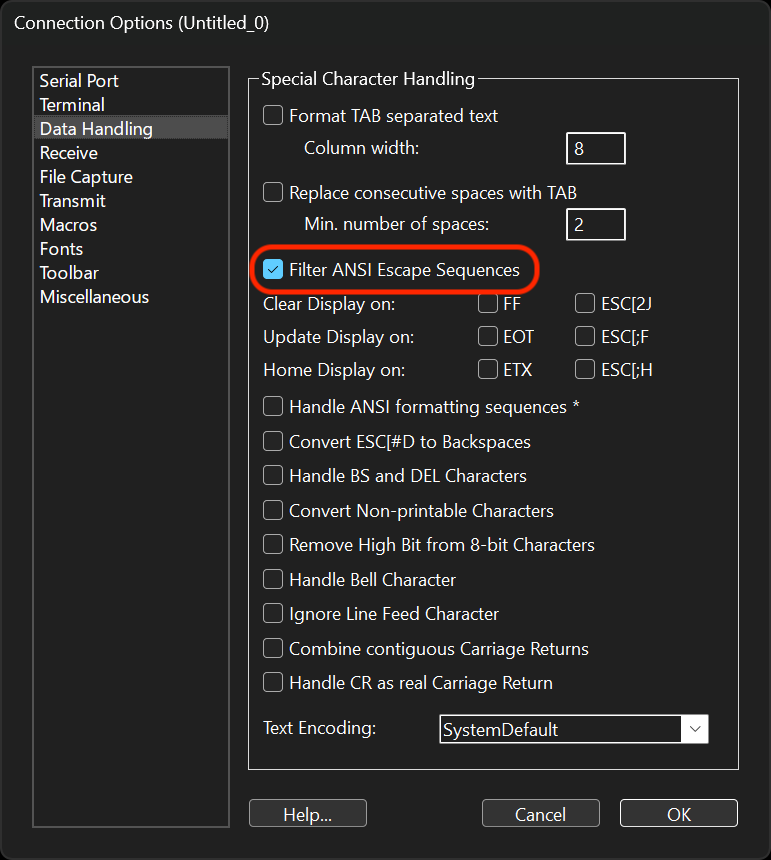
- Under the Data Handling section:
- Make sure that the Filter ANSI Escape Sequences is checked.
- Click the OK button to close out the Options menu.
Step Three
Ranging
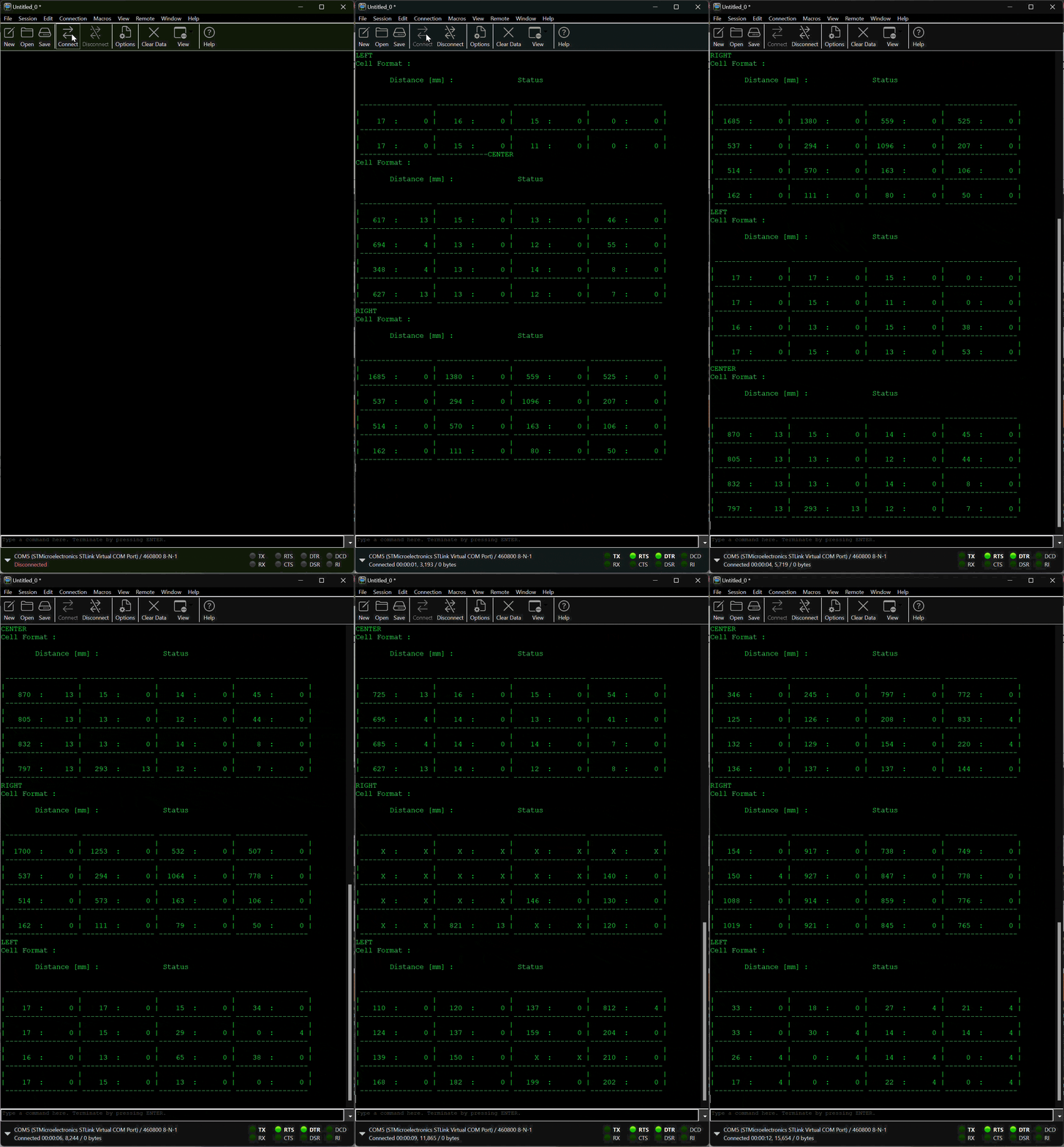
- Click on the Connect button to start ranging.